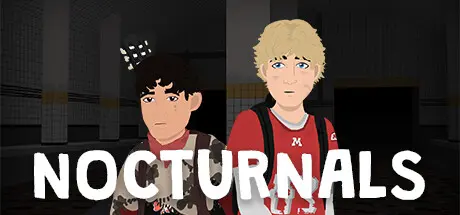
December 4, 2025Dec 4 Nocturnals Game DetailsRelease Name: NocturnalsGame Version: v1.0.7 | Build 17324457Release Date: 13 Sep, 2024Publisher: Cowboy Toad GamesDeveloper: Cowboy Toad GamesBased On: CSF & GoldbergNocturnals Direct Download - Game OverviewThis game was created as my version of a love letter to my partner.Follow the story of Ted as he navigates the abandoned town of Ruddleside amidst the post apocalypse, finding a solitary companion in Diego.Explore Stylized 3D Environments: Navigate the atmospheric setting of Ruddleside.Solve Puzzles and Find Collectibles: Uncover the town's mysteries through various puzzles and collectibles.Shape Ted's Destiny: Make decisions that influence Ted's personality and determine his fate.Nocturnals Screenshots Nocturnals TrailerNocturnals System Requirements Minimum RequirementsRecommended Requirements OSWindows 10Windows 11 ProcessorDual Core (2.0 GHz)Quad Core (3.0 GHz) Memory8 GB RAM12 GB RAM GraphicsAt least 4GB VRAM and WebGL support.Dedicated graphics card with at least 8GB VRAM and WebGL support. DirectX-- Storage3 GB available space3 GB available space How to Install NocturnalsNo Installation Needed: The game is pre-installed. Just download and extract.Extract: Right-click the .zip or .rar file and select "Extract Here" or "Extract to folder".Run: Find Nocturnals.exe inside the folder and run it.Game Data & SettingsChange Language: Edit the file located at steam_settings/Configs.user.iniImportant NotesTo support the Game Developer, Get It On Steam.🔥DOWNLOAD AREA🔥🔹2.65 GB🔹Select the server you want to download with ZeiLink.Download





Create an account or sign in to comment