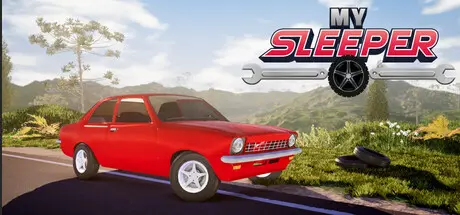
December 4, 2025Dec 4 My Sleeper Game DetailsRelease Name: My SleeperGame Version: Build 21046081Release Date: 23 Nov, 2025Publisher: Overline GamesDeveloper: Overline GamesBased On: CSF & GoldbergMy Sleeper Direct Download - Game OverviewBuild your car from scratch... and hope it actually starts.Race against different types of carsWork to earn money.From a rusty junker to a forged, turbocharged engine packed with body kits.My Sleeper Screenshots My Sleeper System Requirements Minimum RequirementsRecommended Requirements OSWindows 64 bitsWindows 64 bits Processor3 GHz Dual Core3 GHz Quad Core processor Memory8 GB RAM12 GB RAM GraphicsGTX 750 Ti 2GB or AMD equivalentGTX 1650 4GB or AMD equivalent DirectXVersion 11Version 11 Storage4 GB available space4 GB available space How to Install My SleeperNo Installation Needed: The game is pre-installed. Just download and extract.Extract: Right-click the .zip or .rar file and select "Extract Here" or "Extract to folder".Run: Find My Sleeper.exe inside the folder and run it.Game Data & SettingsChange Language: Edit the file located at steam_settings/Configs.user.iniSave Data Location: %USERPROFILE%/My Documents/My Sleeper/Profiles/Important NotesTo support the Game Developer, Get It On Steam.🔥DOWNLOAD AREA🔥🔹1.73 GB🔹Select the server you want to download with ZeiLink.Download





Create an account or sign in to comment