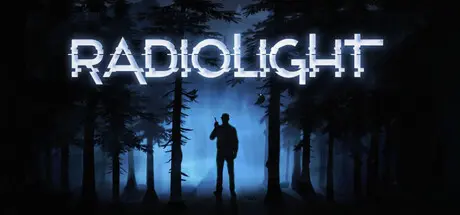
November 11, 2025Nov 11 Radiolight Game DetailsRelease Name: RadiolightGame Version: v0.9 | Build 20624893Release Date: 23 Oct, 2025Publisher: Iceberg InteractiveDeveloper: Krystof KneslBased On: CSF & GoldbergRadiolight Direct Download - Game OverviewStep into the shoes of Ethan, a police officer in the quaint town of Ashwood Creek—a place where the trees whisper, the mountains loom, and secrets hide just out of sight. What begins as a routine investigation, quickly spirals into a haunting journey through the unknown.Ashwood Creek feels frozen in time, untouched by the chaos of the outside world. But under the surface, something dark is stirring. A teenager has gone missing. A strange signal is cutting through the static of local radio stations. Lured deeper into Ashwood Creek National Park, you’ll need to tune in to every frequency and every echo of the past in the hopes of uncovering the truth.Radiolight Screenshots Radiolight TrailerRadiolight System Requirements Minimum RequirementsRecommended Requirements OSWindows 10 64BitWindows 11 64Bit ProcessorIntel Core i5-9600 / AMD R5 3600Intel Core i3-14100 / AMD r5 5600 Memory6 GB RAM16 GB RAM GraphicsNVIDIA GTX 1060 6GB/ AMD Radeon RX 480NVIDIA RTX 2070 / AMD Radeon RX 6700 DirectXVersion 11- Storage6 GB available space6 GB available space How to Install RadiolightNo Installation Needed: The game is pre-installed. Just download and extract.Extract: Right-click the .zip or .rar file and select "Extract Here" or "Extract to folder".Run: Find Radiolight.exe inside the folder and run it.Game Data & SettingsChange Language: Edit the file located at steam_settings/Configs.user.iniSave Data Location: %USERPROFILE%/AppData/Local/Radiolight/Saved/SaveGamesImportant NotesTo support the Game Developer, Get It On Steam.🔥DOWNLOAD AREA🔥🔹4.35 GB🔹Select the server you want to download with ZeiLink.Download





Create an account or sign in to comment