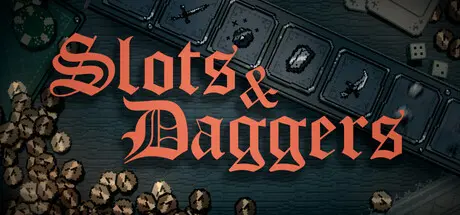
November 1, 2025Nov 1 Slots & Daggers Game DetailsRelease Name: Slots & DaggersGame Version: v1.0.19 | Build 20648272Release Date: 24 Oct, 2025Publisher: Future Friends GamesDeveloper: FriedemannBased On: CSF & GoldbergSlots & Daggers Direct Download - Game OverviewAfter my last game SUMMERHOUSE, I wanted to make something radically different. Still small, but faster, with numbers, fights and goblins!The result is SLOTS & DAGGERS, a strange little blend of slot machine and fantasy RPG. To make this game I combined a lot of things I deeply love – weird fantasy worlds, crude drawings of strange little guys, old school crunchy hiphop drum machines and addictive arcade games that go “PLING PLING PLING” as they spit out little coins – with classic roguelike mechanics.The features of this game are: Fun slot machineWeird fantasy world4-8 hour campaignCrude drawings of strange little guysRetro visualsCrunchy hip hop drum machines‘Egg arena’ high score mode for the truly determinedAddictive arcade gameplay that goes “pling” a lotNumbers! Fights! Goblins!Slots & Daggers Screenshots Slots & Daggers TrailerSlots & Daggers System Requirements Minimum RequirementsRecommended Requirements OSWindows 10 or more- ProcessorIntel i3 4th generation or equivalent- Memory1 GB RAM- GraphicsMost dedicated GPUs should work.- DirectX-- Storage512 MB available space- How to Install Slots & DaggersNo Installation Needed: The game is pre-installed. Just download and extract.Extract: Right-click the .zip or .rar file and select "Extract Here" or "Extract to folder".Run: Find Slots & Daggers.exe inside the folder and run it.Game Data & SettingsChange Language: Edit the file located at steam_settings/Configs.user.iniSave Data Location: %USERPROFILE%/AppData/LocalLow/Friedemann/SlotsAndDaggersImportant NotesTo support the Game Developer, Get It On Steam.🔥DOWNLOAD AREA🔥🔹100 MB🔹Select the server you want to download with ZeiLink.Download





Create an account or sign in to comment