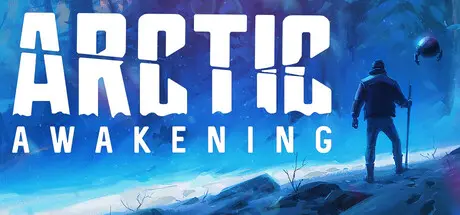
October 31, 2025Oct 31 Arctic Awakening Game DetailsRelease Name: Arctic AwakeningGame Version: v1.0.13 | Build 20605915Release Date: 18 Sep, 2025Publisher: GoldFire StudiosDeveloper: GoldFire StudiosBased On: CSF & GoldbergArctic Awakening Direct Download - Game OverviewArctic Awakening is a first-person narrative adventure set in the mysterious Arctic North where you and your robotic companion, Alfie, must search for your co-pilot and uncover the mysteries waiting around every turn.It was supposed to be routine. A supply drop to an Alaskan town, auto-pilot on, guard down. You and Donovan were already planning post mission drinks when it happened.Half the plane disappeared in a flash. Donovan was gone, lost to the howling tempest. Waking from the crash, you find yourself alone, trapped in a frozen wilderness, your only companions a court-mandated therapy bot and temperatures that can cut a man to shreds. Hope for survival lies in finding your friend and maybe a way home.Arctic Awakening Screenshots Arctic Awakening TrailerArctic Awakening System Requirements Minimum RequirementsRecommended Requirements OSWindows 10 / 11 (64-bit)Windows 10 / 11 (64-bit) ProcessorIntel Core i3-6100 / AMD FX 8350Intel i5-9600K / Ryzen 5 3600 Memory8 GB RAM16 GB RAM GraphicsNVIDIA GeForce GTX 1650 / AMD RX 570NVIDIA RTX 2060 / AMD RX 6600 DirectXVersion 11Version 11 Storage10 GB available space10 GB available space How to Install Arctic AwakeningNo Installation Needed: The game is pre-installed. Just download and extract.Extract: Right-click the .zip or .rar file and select "Extract Here" or "Extract to folder".Run: Find Arctic Awakening.exe inside the folder and run it.Game Data & SettingsChange Language: Edit the file located at steam_settings/Configs.user.iniImportant NotesTo support the Game Developer, Get It On Steam.🔥DOWNLOAD AREA🔥🔹3.87 GB🔹Select the server you want to download with ZeiLink.Download





Create an account or sign in to comment