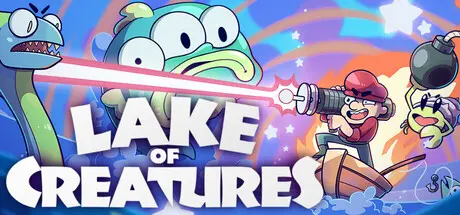
October 14, 2025Oct 14 Lake of Creatures Game DetailsRelease Name: Lake of CreaturesGame Version: Build 20376807Release Date: 15 Nov, 2024Publisher: ANTENNA GAMESDeveloper: ANTENNA GAMESBased On: CSF & GoldbergLake of Creatures Direct Download - Game OverviewDifficult action FISHING ROGUELIKE, where you slaughter mutated creatures with weapons that shoot lasers and explosions!!! Catch fish to buy treasures that MODIFY YOUR BUILD and end up with CRAZY SYNERGIZING ATTACKS that melt those noob enemiesIsaac-like Roguelike Gameplay made by 1 Isaac fan :)Randomly generated runs - every time you play its different!110 upgrades that modify your build with handcrafted synergies6 playable characters with unique gimmicks201 fish to catch21 unlockable features48 badges (completion marks) and 77 achievements for completionists <3Lake of Creatures Screenshots Lake of Creatures TrailerLake of Creatures System Requirements Minimum RequirementsRecommended Requirements OSWindows XPWindows 10 Processor1.2 GHz2.4 GHz Memory1024 MB RAM4 GB RAM Graphics256 MB2048 MB DirectX-- Storage200 MB available space200 MB available space How to Install Lake of CreaturesNo Installation Needed: The game is pre-installed. Just download and extract.Extract: Right-click the .zip or .rar file and select "Extract Here" or "Extract to folder".Run: Find LakeofCreatures.exe inside the folder and run it.Game Data & SettingsChange Language: Edit the file located at steam_settings/Configs.user.iniSave Data Location: %USERPROFILE%/AppData/Local/kalatus_pelImportant NotesTo support the Game Developer, Get It On Steam.🔥DOWNLOAD AREA🔥🔹231 MB🔹Select the server you want to download with ZeiLink.Download





Create an account or sign in to comment