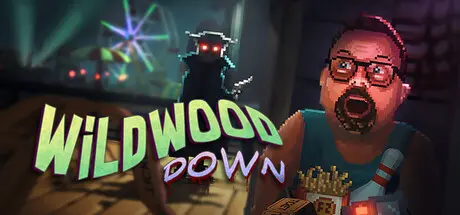
October 7, 2025Oct 7 Wildwood Down Game DetailsRelease Name: Wildwood DownGame Version: Build 19859151Release Date: 7 Aug, 2025Publisher: Crashable StudiosDeveloper: Crashable StudiosBased On: CSF & GoldbergWildwood Down Direct Download - Game OverviewWildwood Down is about a chummy high school senior with Down syndrome who gets thrown head first into a murder mystery along the boardwalk of Wildwood, New Jersey.With his sister's life on the line, Dan must unravel the case all while navigating eccentric characters and his own unique perspective before time runs out!Wildwood Down Screenshots Wildwood Down TrailerWildwood Down System Requirements Minimum RequirementsRecommended Requirements OSWindows 7 64 bitWindows 10 64 bit ProcessorIntel Core i3 Dual CoreIntel Core i5 - i7 Quad Core Memory2 GB RAM4 GB RAM GraphicsNVIDIA Geforce GTS 450 / AMD Radeon HD 5570NVIDIA Geforce GTX 750Ti / AMD Radeon R9 270x DirectXVersion 11Version 11 Storage6 GB available space6 GB available space How to Install Wildwood DownNo Installation Needed: The game is pre-installed. Just download and extract.Extract: Right-click the .zip or .rar file and select "Extract Here" or "Extract to folder".Run: Find Wildwood Down.exe inside the folder and run it.Game Data & SettingsChange Language: Edit the file located at steam_settings/Configs.user.iniSave Data Location: %USERPROFILE%/AppData/LocalLow/CrashableStudios/Wildwood Down/Important NotesTo support the Game Developer, Get It On Steam.🔥DOWNLOAD AREA🔥🔹1.36 GB🔹Select the server you want to download with ZeiLink.Download





Create an account or sign in to comment