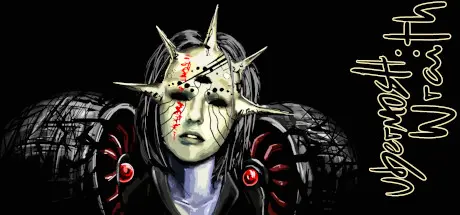
October 7, 2025Oct 7 UBERMOSH:WRAITH Game DetailsRelease Name: UBERMOSH:WRAITHGame Version: v1.1 | Build 1850167Release Date: 29 Jan, 2017Publisher: Walter MachadoDeveloper: Walter MachadoBased On: CSF & GoldbergUBERMOSH:WRAITH Direct Download - Game OverviewCut bullets with your sword in a gun filled pit. The the fourth volume of the series blends the projectile cutting from the original UBERMOSH, the psionic power Brainclap from UBERMOSH:BLACK, the swarm and endless map from UBERMOSH Vol.3, the new power Manastrike, a new class of enemy, more agressive enemy respawns, more achievements, various class mods and more music to pump the combat.From rookie to a godlike entity, UBERMOSH:WRAITH boost up the initial concept of "90 seconds arena" and invites you to react faster to beat your previous scores.UBERMOSH:WRAITH Screenshots UBERMOSH:WRAITH TrailerUBERMOSH:WRAITH System Requirements Minimum RequirementsRecommended Requirements OSWindows XP- Processor3.0 Ghz3.2 Ghz Memory4 GB RAM4 GB RAM Graphics1 GB1 GB DirectX-- Storage500 MB available space500 MB available space How to Install UBERMOSH:WRAITHNo Installation Needed: The game is pre-installed. Just download and extract.Extract: Right-click the .zip or .rar file and select "Extract Here" or "Extract to folder".Run: Find Launcher.exe inside the folder and run it.Game Data & SettingsChange Language: Edit the file located at steam_settings/Configs.user.iniImportant NotesTo support the Game Developer, Get It On Steam.🔥DOWNLOAD AREA🔥🔹286 MB🔹Select the server you want to download with ZeiLink.Download





Create an account or sign in to comment