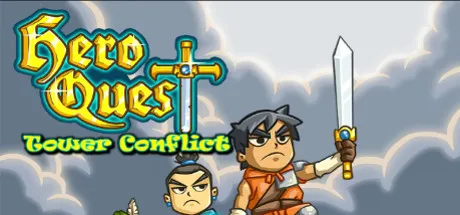
October 6, 2025Oct 6 Hero Quest: Tower Conflict Game DetailsRelease Name: Hero Quest: Tower ConflictGame Version: Build 1085658Release Date: 13 Apr, 2016Publisher: New Reality GamesDeveloper: Mihai MorosanuBased On: CSFHero Quest: Tower Conflict Direct Download - Game OverviewHero Quest is a Tower-battle in the most literal sense! Defeat waves of enemies as they attempt to overthrow your keep! An extension on the freeware flash game- this is your chance to own your very own copy of this highly addictive game for your Steam library!Use spells ranging from freeze, fire and thunder to gain the edge in battle! Gain the upper-hand and destroy your enemy's castle! Upgrade your units and spells to become the mightiest general!Hero Quest: Tower Conflict Screenshots Hero Quest: Tower Conflict TrailerHero Quest: Tower Conflict System RequirementsMinimum RequirementsRecommended RequirementsOSWindows 7-ProcessorIntel Pentium 2Gz-Memory512 MB RAM-Graphics1024 x 768 Desktop Resolution-DirectX--Storage20 MB available space-How to Install Hero Quest: Tower ConflictNo Installation Needed: The game is pre-installed. Just download and extract.Extract: Right-click the .zip or .rar file and select "Extract Here" or "Extract to folder".Run: Find Game.exe inside the folder and run it.🔥DOWNLOAD AREA🔥🔹22 MB🔹Select the server you want to download with ZeiLink.Download





Create an account or sign in to comment