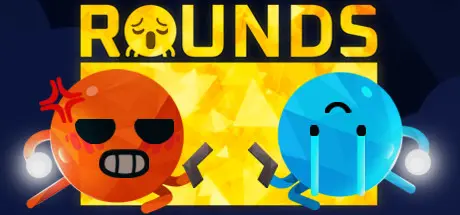
September 26, 2025Sep 26 ROUNDS Game DetailsRelease Name: ROUNDSGame Version: v1.1.2 | Build 16565525Release Date: 1 Apr, 2021Publisher: LandfallDeveloper: LandfallBased On: CSF & UnsteamROUNDS Direct Download - Game OverviewWave your noodle arms around to assert dominance!Experience hype-filled dueling! Shoot, block, and jump your way to victory with your shotgun-rocket-launcher-that-shoots-heat-seeking-bouncy-missiles or one of the other over 11.2 million different powerup combinations.Features65+ Unique powerups70+ MapsAAA Face CustomizerOnline MultiplayerLocal MultiplayerTwitch based matchmaking100% organic Noodle ArmsROUNDS Screenshots ROUNDS TrailerROUNDS System Requirements Minimum RequirementsRecommended Requirements OSWindows 10Windows 10 Processor2.5Intel Core i7-4770 @ 3.4 GHz or AMD Ryzen 5 1600 @ 3.2 GHz or equivalent Memory8 GB RAM8 GB RAM GraphicsIntel Core i5-2400 @ 3.1 GHz or AMD FX-6300 @ 3.5 GHz or equivalentNVIDIA GeForce GTX 970 or AMD R9 290X (4GB VRAM with Shader Model 5.0 or better) DirectXVersion 10- Storage4 GB available space6 GB available space How to Install ROUNDSNo Installation Needed: The game is pre-installed. Just download and extract.Extract: Right-click the .zip or .rar file and select "Extract Here" or "Extract to folder".Run: Sign in Steam Account and find ROUNDS.exe inside the folder and run it.Game Data & SettingsChange Language: Edit the file located at unsteam.iniImportant NotesTo support the Game Developer, Get It On Steam.🔥DOWNLOAD AREA🔥🔹340 MB🔹Select the server you want to download with ZeiLink.Download





Create an account or sign in to comment