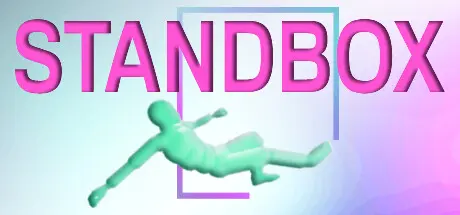
September 21, 2025Sep 21 STANDBOX Game DetailsRelease Name: STANDBOXGame Version: v1.27.3 | Build 17394431Release Date: 14 Aug, 2023Publisher: RealityBeholderDeveloper: RealityBeholderBased On: CSF & GoldbergSTANDBOX Direct Download - Game OverviewSTANDBOX is a small sandbox toy built for people who, as kids (or let’s be honest - still now), found more joy in tech demos than the games they were supposed to be playing.You interact with Stanley, a smart-ish ragdoll animated by a rough approximation of a medical system. Stanley can stand, try to balance, fall, suffer, and heroically try to get back up. You can help him. You probably won’t. He has organs. You can damage them. Have fun with that.Throw him around. Bleed him out. Break his bones. Pass the time. Regret nothing.Yes, I have ideas. Yes, I might add more, but I'll do so at my own pace.This is a finished toy. Any updates are bonuses, not promises.If you want a constantly updating live-service game with patch notes every Tuesday and a battle pass full of hats, this is not that. This is a one-man project with a small scope and a big personality.It’s a very fun physics toy. If that sounds good, welcome aboard.STANDBOX Screenshots STANDBOX TrailerSTANDBOX System Requirements Minimum RequirementsRecommended Requirements OSWindows 10 64-bit- ProcessorQuad-core Intel or AMD, 2.5 GHz or faster- Memory-- GraphicsA dedicated DirectX 11 or DirectX 12 compatible graphics card- DirectXVersion 11- Storage500 MB available space- How to Install STANDBOXNo Installation Needed: The game is pre-installed. Just download and extract.Extract: Right-click the .zip or .rar file and select "Extract Here" or "Extract to folder".Run: Find STANDBOX.exe inside the folder and run it.Game Data & SettingsChange Language: Edit the file located at steam_settings/Configs.user.iniImportant NotesTo support the Game Developer, Get It On Steam.🔥DOWNLOAD AREA🔥🔹363 MB🔹Select the server you want to download with ZeiLink.Download





Create an account or sign in to comment