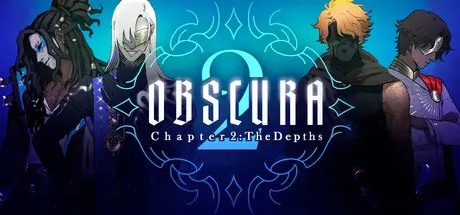
September 13, 2025Sep 13 OBSCURA Game DetailsRelease Name: OBSCURAGame Version: Build 21935419Release Date: 9 Sep, 2024Publisher: Kaguya ProjectDeveloper: Rotten RaccoonsBased On: CSF & GoldbergOBSCURA Direct Download - Game OverviewThere's a marketplace under the mountain where anything can be bought and sold. Visitors wear masks to become faceless strangers. It's home to the unscrupulous, the outcast, and the desperate.You're one of the desperate.Strangers with their own secrets and ambitions can show you ways through the market. They'll guide you to your goal, but don't trust them to have your best interests at heart.OBSCURA Screenshots OBSCURA TrailerOBSCURA System Requirements Minimum RequirementsRecommended Requirements OSWindows 7 or higher- Processor1.8GHz Dual-Core CPU- Memory4 GB RAM- GraphicsIntegrated graphics- DirectX-- Storage350 MB available space- How to Install OBSCURANo Installation Needed: The game is pre-installed. Just download and extract.Extract: Right-click the .zip or .rar file and select "Extract Here" or "Extract to folder".Run: Find Obscura.exe inside the folder and run it.Game Data & SettingsChange Language: Edit the file located at steam_settings/Configs.user.iniSave Data Location: */game/savesImportant NotesTo support the Game Developer, Get It On Steam.🔥DOWNLOAD AREA🔥🔹738.51 MB🔹Select the server you want to download with ZeiLink.Download





Create an account or sign in to comment