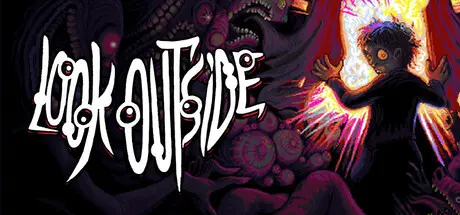
August 31, 20251 yr Look Outside Game DetailsRelease Name: Look OutsideGame Version: v2.17 | Build 20629535Release Date: 21 Mar, 2025Publisher: Devolver DigitalDeveloper: Francis CoulombeBased On: CSF & GoldbergLook Outside Direct Download - Game OverviewLook Outside is a survival horror RPG set in a single apartment building. A mysterious event turns anyone who looks out the window into grotesque monsters, leaving the world in absolute chaos. Scavenge the building to seek food, supplies, and weapons while encountering strange characters - human and otherwise.Look Outside Screenshots Look Outside TrailerLook Outside System Requirements Minimum RequirementsRecommended Requirements OSWindows 7 x64- ProcessorIntel Core i5-2500 / AMD Phenom II X4 965- Memory8 GB RAM- GraphicsGeForce GTX 750 / Radeon RX 560X- DirectX-- Storage1 GB available space- How to Install Look OutsideNo Installation Needed: The game is pre-installed. Just download and extract.Extract: Right-click the .zip or .rar file and select "Extract Here" or "Extract to folder".Run: Find Game.exe inside the folder and run it.Game Data & SettingsChange Language: Edit the file located at steam_settings/Configs.user.iniSave Data Location: [Steam Library]/steamapps/common/Look Outside/saveImportant NotesTo support the Game Developer, Get It On Steam.🔥DOWNLOAD AREA🔥🔹675 MB🔹Select the server you want to download with ZeiLink.Download





Create an account or sign in to comment