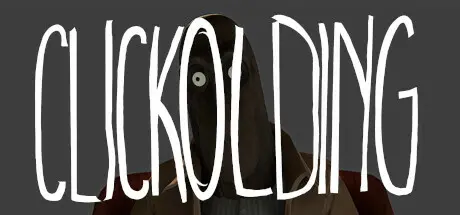
August 31, 20251 yr CLICKOLDING Game DetailsRelease Name: CLICKOLDINGGame Version: Build 15246250Release Date: 16 Jul, 2024Publisher: Strange Scaffold, OuterslothDeveloper: Strange ScaffoldBased On: CSF & GoldbergCLICKOLDING Direct Download - Game OverviewCLICKOLDING is a dark incremental narrative game about thumbing a tally counter to satisfy the distressing masked man sitting in the corner of your hotel room. If you leave, you don't get the money, and you can't come back. If you stay...You won't be the same.And neither will he.CLICKOLDING Screenshots CLICKOLDING TrailerCLICKOLDING System Requirements Minimum RequirementsRecommended Requirements OSWindows 10 64-bit- ProcessorQuad-core Intel or AMD 2.5 GHz or superior- Memory8 GB RAM- GraphicsAny DirectX 11 or 12 compatible card- DirectX-- Storage2 GB available space- How to Install CLICKOLDINGNo Installation Needed: The game is pre-installed. Just download and extract.Extract: Right-click the .zip or .rar file and select "Extract Here" or "Extract to folder".Run: Find Clickold.exe inside the folder and run it.Game Data & SettingsChange Language: Edit the file located at steam_settings/Configs.user.iniImportant NotesTo support the Game Developer, Get It On Steam.🔥DOWNLOAD AREA🔥🔹993 MB🔹Select the server you want to download with ZeiLink.Download





Create an account or sign in to comment