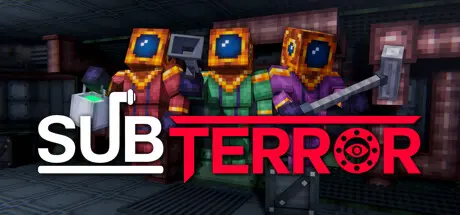
August 29, 20251 yr Subterror Game DetailsRelease Name: SubterrorGame Version: v1.0.2 | Build 16911497Release Date: 3 Jan, 2025Publisher: Team MonumentalDeveloper: Team MonumentalBased On: CSF & UnsteamSubterror Direct Download - Game OverviewAt the bottom of the ocean floor lie The Biospheres. These weather-controlled domes once supported vast arrays of lifeforms, but have since been abandoned. Explore arid deserts, dark forests, and frozen tundras. But don't stay too late, as you are not alone out in the great abyss.Venture into procedural dungeons deep within The Biospheres. Discover why the underwater domes were built and what inhabitants may lurk inside. Should you want to continue your exploration deeper underwater, you best not leave empty-handed.It's dangerous to go alone. Bring a crew of up to 4 players to better your odds. Or, if you are feeling hardcore, you can venture off by yourself.Subterror Screenshots Subterror TrailerSubterror System Requirements Minimum RequirementsRecommended Requirements OS64 bit Windows 7+- ProcessorDual core- Memory2 GB RAM- GraphicsDiscrete graphics card- DirectXVersion 11- Storage1 GB available space- How to Install SubterrorNo Installation Needed: The game is pre-installed. Just download and extract.Extract: Right-click the .zip or .rar file and select "Extract Here" or "Extract to folder".Run: Sign in Steam Account and Find Subterror.exe inside the folder and run it.Game Data & SettingsChange Language: Edit the file located at unsteam.iniImportant NotesTo support the Game Developer, Get It On Steam.🔥DOWNLOAD AREA🔥🔹190.12 MB🔹Select the server you want to download with ZeiLink.Download





Create an account or sign in to comment