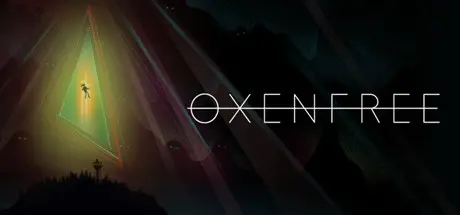
August 23, 20251 yr Oxenfree Game DetailsRelease Name: OxenfreeGame Version: Build 11641937Release Date: 14 Jan, 2016Publisher: Night School StudioDeveloper: Night School StudioBased On: CSF & GoldbergOxenfree Direct Download - Game OverviewOxenfree is a supernatural thriller about a group of friends who unwittingly open a ghostly rift. Play as Alex, a bright, rebellious teenager who brings her new stepbrother Jonas to an overnight party on an old military island. The night takes a terrifying turn when you unwittingly open a ghostly gate spawned from the island’s cryptic past. How you deal with these events, your peers, and the ominous creatures you’ve unleashed is up to you.Oxenfree Screenshots Oxenfree TrailerOxenfree System Requirements Minimum RequirementsRecommended Requirements OSWindows 7Windows 8.1 64-bit ProcessorIntel i3 2.0 GHzIntel i5 2.5 GHz Memory2 GB RAM4 GB RAM Graphics1GB Shader Model 3.0 Compatible (DirectX 9.0c)NVIDIA GeForce GTX 460 / Radeon HD 6750 (or higher) DirectXVersion 9.0cVersion 11 Storage3 GB available space3 GB available space How to Install OxenfreeNo Installation Needed: The game is pre-installed. Just download and extract.Extract: Right-click the .zip or .rar file and select "Extract Here" or "Extract to folder".Run: Find Oxenfree.exe inside the folder and run it.Game Data & SettingsChange Language: Edit the file located at steam_settings/Configs.user.iniSave Data Location: %USERPROFILE%/AppData/LocalLow/Night School Studio/Oxenfree/saveImportant NotesTo support the Game Developer, Get It On Steam.🔥DOWNLOAD AREA🔥🔹2.62 GB🔹Select the server you want to download with ZeiLink.Download





Create an account or sign in to comment