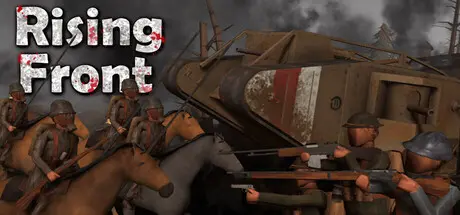
August 21, 20251 yr Rising Front Game DetailsRelease Name: Rising FrontGame Version: Build 17030455Release Date: 9 Jan, 2026Publisher: Sandstorm Studios Inc.Developer: Sandstorm Studios Inc.Based On: CSF & GoldbergRising Front Direct Download - Game OverviewRising Front is a single-player massive scale battle simulator, with tanks, cavalry, planes and infantry combat. You can play in first-person or command your army from above!Over a dozen new vehicles and tanks have been added! including experimental vehicles that never saw combat in WW1!Call in fighters, or bombing runs to aid your defense! 30+ Different Planes/Fire Supports!Charge into battle on horse back with hundreds of cavalrymen! There are 20+ different cavalry units to choose from!WW1 Era cavalry, Revolutionary War cavalry and Franco-Prussian War Cavalry as well!Unprecedented in its scope, Rising Front facilitates engagements with 1000+ units in action simultaneously. Step into an era never before so vividly recreated in a WW1 game!Tired of trench warfare? step into the Revolutionary War or Franco-Prussian war and fight in epic line battles!Rising Front has full workshop support for Maps, Infantry, Cavalry, Tanks, Fire Support, Player Weapons and buildables! Rising Front Screenshots Rising Front TrailerRising Front System Requirements Minimum RequirementsRecommended Requirements OSWindows 10- Processor2.7 GHz- Memory12 GB RAM- GraphicsGtx 1050- DirectX-- Storage5 GB available space- How to Install Rising FrontNo Installation Needed: The game is pre-installed. Just download and extract.Extract: Right-click the .zip or .rar file and select "Extract Here" or "Extract to folder".Run: Find Rising Front.exe inside the folder and run it.Game Data & SettingsChange Language: Edit the file located at steam_settings/Configs.user.iniImportant NotesTo support the Game Developer, Get It On Steam.🔥DOWNLOAD AREA🔥🔹3.90 GB🔹Select the server you want to download with ZeiLink.Download





Create an account or sign in to comment