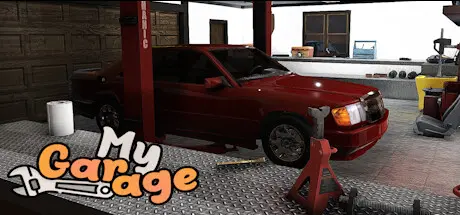
August 19, 20251 yr My Garage Game DetailsRelease Name: My GarageGame Version: Build 23523569Release Date: 2 Jun, 2026Publisher: Viking Game StudioDeveloper: Viking Game StudioBased On: CSF & GoldbergMy Garage Direct Download - Game OverviewMY GARAGE is a car simulation game with main focus being simulating real car repair, maintenance and physical behavior. CARS- Damage system so you can fix and replace any of body panels- Painting system- Suspension where every part has a usage, wear which affects the handling- Engine with realistic behavior and components ( down to oil condition affecting wear)Environment- Your own garage that you will have to buy parts and tools for - Tools - for everything there is a special tool - there is even a tire pump lying about somewhere ( you will have to buy a new one if you lose this one)- Shops - that sell supplies, car parts, paint and your angle grinder will need new discs, etc.- Junkyards - where to find car parts or even a whole car if you think it is worth saving- Barn finds - Delivery jobs- More features comingMy Garage Screenshots My Garage TrailerMy Garage System Requirements Minimum RequirementsRecommended Requirements OS64bit Windows 1064bit Windows 10 ProcessorCore i5 3.0 GHzCore i7 3.0 GHz Memory12 GB RAM16 GB RAM GraphicsNVidia GeForce GTX 970 4GBNvidia GTX 1070 DirectXVersion 11Version 11 Storage12 GB available space12 GB available space How to Install My GarageNo Installation Needed: The game is pre-installed. Just download and extract.Extract: Right-click the .zip or .rar file and select "Extract Here" or "Extract to folder".Run: Find My Garage.exe inside the folder and run it.Game Data & SettingsChange Language: Edit the file located at steam_settings/Configs.user.iniImportant NotesTo support the Game Developer, Get It On Steam.🔥DOWNLOAD AREA🔥🔹4.95 GB🔹Select the server you want to download with ZeiLink.Download





Create an account or sign in to comment