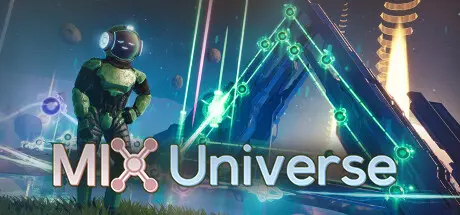
August 18, 20251 yr Mix Universe Game DetailsRelease Name: Mix UniverseGame Version: Build 18170841Release Date: 27 Jul, 2023Publisher: Zuko Media LLCDeveloper: Chris ZukowskiBased On: CSF & GoldbergMix Universe Direct Download - Game OverviewEverything you hear and see is 100% real-time and editable in-game. It is designed with beginners in mind with tutorials and automatic vibe nodes to help make it so you don't need to know anything about music to have fun. For those who want to push it a bit further, you can edit each note, scale, and FX to get a node to sound exactly how you'd like.The entire node editing system is designed to try and make music creation as easy as it can be.Every note can be edited after being randomly generated.Drum patterns can be edited quickly and allows for a ton of variety.All editing is built with multiple selections in mind.There are other node types as well that are purely visual to help you make entire musical worlds!After a mix is made you can save that and upload it to the universe directly in-game to share with the community. Then others can open up what you make, play it and potentially use it for inspiration to start something they create!Mix Universe Screenshots Mix Universe System Requirements Minimum RequirementsRecommended Requirements OSWindows 10 or 11Windows 10 or 11 Processor3.0 ghz4.0 ghz Memory8 GB RAM8 GB RAM GraphicsGTX 1050 (All settings on low)GTX 1070 DirectXVersion 11Version 12 Storage3 GB available space3 GB available space How to Install Mix UniverseNo Installation Needed: The game is pre-installed. Just download and extract.Extract: Right-click the .zip or .rar file and select "Extract Here" or "Extract to folder".Run: Find Mix.exe inside the folder and run it.Game Data & SettingsChange Language: Edit the file located at steam_settings/Configs.user.iniSave Data Location: %USERPROFILE%/My Documents/MixUniverseImportant NotesTo support the Game Developer, Get It On Steam.🔥DOWNLOAD AREA🔥🔹2.76 GB🔹Select the server you want to download with ZeiLink.Download





Create an account or sign in to comment