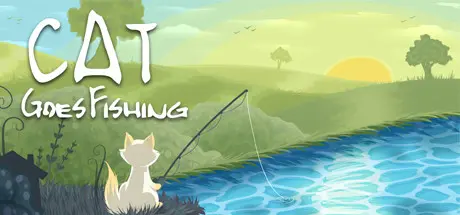
August 16, 20251 yr Cat Goes Fishing Game DetailsRelease Name: Cat Goes FishingGame Version: Build 13324205Release Date: 19 Jan, 2015Publisher: -Developer: Cat5GamesBased On: CSF & GoldbergCat Goes Fishing Direct Download - Game OverviewStart out on an island with nothing more than a basic rod. Progress into a radar-wielding master fisher-cat scouring the sea for the biggest and baddest fish. Each fish has unique behaviors that you will learn to exploit as you tailor your arsenal of fishing rods to suit your style of play.Complete quests to earn cash.Unlock better rods to catch more valuable fish.Customize your rod with upgrades to suit your play style.Unlock boats to travel out onto the sea.Find and equip rare hats that dramatically change the dynamic of the game.Fill your catalog with the fish you catch.Discover what lurks in the dark depths.Cat Goes Fishing Screenshots Cat Goes Fishing TrailerCat Goes Fishing System Requirements Minimum RequirementsRecommended Requirements OSWindows XPWindows 7 Processor1.66GHz Intel or equivalent AMD processor2.2GHz Intel Dual Core or equivalent AMD processor Memory1 GB RAM2 GB RAM Graphics256 MB memory512 MB memory DirectXVersion 9.0Version 9.0 Storage15 MB available space15 MB available space How to Install Cat Goes FishingNo Installation Needed: The game is pre-installed. Just download and extract.Extract: Right-click the .zip or .rar file and select "Extract Here" or "Extract to folder".Run: Find SmartSteamLoader_x64.exe inside the folder and run it.Game Data & SettingsChange Language: Edit the file located at steam_settings/Configs.user.iniSave Data Location: %USERPROFILE%/AppData/Local/Cat_Goes_FishingImportant NotesTo support the Game Developer, Get It On Steam.🔥DOWNLOAD AREA🔥🔹31 MB🔹Select the server you want to download with ZeiLink.Download





Create an account or sign in to comment