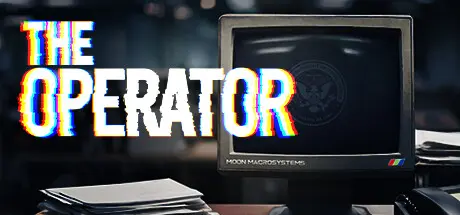
July 17, 20251 yr The Operator Game DetailsRelease Name: The OperatorGame Version: v2.3 | Build 18968878Release Date: 22 Jul, 2024Publisher: Bureau 81, indienovaDeveloper: Bureau 81Based On: CSF & GoldbergThe Operator Direct Download - Game OverviewTime to clear your head, work through your hangover and start your first day as an Operator. There are plenty of cases to solve. Assist our field agents using your computer console and ingenuity to bring criminals to justice. Ready to make the world a better place?Investigate Crimes: Solve cases such as murders, missing people, and cyber attacks.Use FDI Software: Analyze evidence and find clues using cutting-edge tools.Dig Deeper: Follow the evidence as it twists and turns, no matter where it leads.Uncover the Truth: Each case is a mind-bending story to unravel, so take notes.The Operator Screenshots The Operator TrailerThe Operator System Requirements Minimum RequirementsRecommended Requirements OSWindows 7- ProcessorIntel i5 or equivalent- Memory4 GB RAM- GraphicsGTX 970- DirectXVersion 9.0- Storage3 GB available space- How to Install The OperatorNo Installation Needed: The game is pre-installed. Just download and extract.Extract: Right-click the .zip or .rar file and select "Extract Here" or "Extract to folder".Run: Find Operator.exe inside the folder and run it.Game Data & SettingsChange Language: Edit the file located at steam_settings/Configs.user.iniSave Data Location: %USERPROFILE%/AppData/LocalLow/Bureau 81/OPERATORImportant NotesTo support the Game Developer, Get It On Steam.🔥DOWNLOAD AREA🔥🔹595 MB🔹Select the server you want to download with ZeiLink.Download





Create an account or sign in to comment