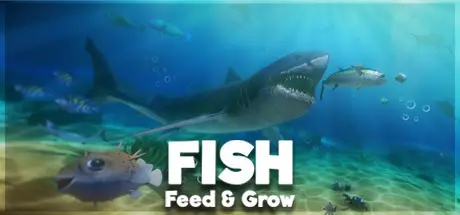
July 8, 20251 yr Feed and Grow: Fish Game DetailsRelease Name: Feed and Grow: FishGame Version: v0.14.3 | Build 9933265Release Date: 8 Jan, 2016Publisher: Greens s.r.o.Developer: Old B1oodBased On: CSF & GoldbergFeed and Grow: Fish Direct Download - Game OverviewHunt and eat other fish - simply, grow into larger beasts!Animal survival game based in the fish world! You start as Bibos the fish and straight away you are ready to dive in to the waters of the mesmerizing world of Feed and Grow.Growing into more mods and contentWith the first release we want to test the basics of multiplayer. Further development will include new fish abilities and passives, new fun content for both single and multiplayer with game mods. Also, we want to focus on the technical stuff and add new animations, new features, make gameplay smoother and more fun.Show your love and support in reviews! We're grateful for all your feedback and tips, it helps us make the game more awesome.Feed and Grow: Fish Screenshots Feed and Grow: Fish TrailerFeed and Grow: Fish System Requirements Minimum RequirementsRecommended Requirements OS-- Processor-- Memory4 GB RAM8 GB RAM GraphicsDirect3D 11.0 mimimum with atleast 2GB VRAMGTX 970 and better DirectXVersion 11Version 11 Storage2 GB available space2 GB available space How to Install Feed and Grow: FishNo Installation Needed: The game is pre-installed. Just download and extract.Extract: Right-click the .zip or .rar file and select "Extract Here" or "Extract to folder".Run: Find Launcher.exe inside the folder and run it.Game Data & SettingsChange Language: Edit the file located at steam_settings/Configs.user.iniSave Data Location: */SavesDirImportant NotesTo support the Game Developer, Get It On Steam.🔥DOWNLOAD AREA🔥🔹818 MB🔹Select the server you want to download with ZeiLink.Download





Create an account or sign in to comment