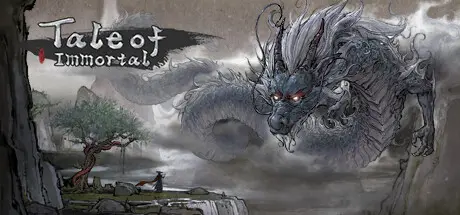
June 25, 20251 yr 鬼谷八荒 Tale of Immortal Game DetailsRelease Name: 鬼谷八荒 Tale of ImmortalGame Version: v1.2.110 | Build 18164845Release Date: 26 May, 2023Publisher: 鬼谷工作室, Lightning GamesDeveloper: 鬼谷工作室Based On: CSF & Goldberg鬼谷八荒 Tale of Immortal Direct Download - Game OverviewTale of Immortal is an open-world sandbox game based on Chinese mythology and cultivation. You will grow to become immortal, conquer the beasts from the Classic of Mountains and Season, make your choices carefully and grasp your own destiny.Step into the enchanting world of the Tale of Immortal, where cultivation is an art that requires more than just financial means and help from fellow cultivators. To truly master it, one must possess a deep understanding of the craft and have access to the right cultivation venues. But that's not all—the journey is fraught with danger, as you'll face unpredictable monsters, crisis-ridden mystic realms, insurmountable barriers, and brilliant treasures waiting to be discovered.鬼谷八荒 Tale of Immortal Screenshots 鬼谷八荒 Tale of Immortal Trailer鬼谷八荒 Tale of Immortal System RequirementsMinimum RequirementsRecommended RequirementsOSWindows 7 / Windows 8 / Windows 10 64 bit-Processor2.50GHz-Memory4 GB RAM-GraphicsHD4400-DirectXVersion 11-Storage25 GB available space-How to Install 鬼谷八荒 Tale of ImmortalNo Installation Needed: The game is pre-installed. Just download and extract.Extract: Right-click the .zip or .rar file and select "Extract Here" or "Extract to folder".Run: Find guigubahuang.exe inside the folder and run it.Game Data & SettingsChange Language: Edit the file located at steam_settings/Configs.user.iniSave Data Location: %USERPROFILE%/AppData/LocalLow/guigugame/guigubahuang/Steam/CacheDataImportant NotesTo support the Game Developer, Get It On Steam.🔥DOWNLOAD AREA🔥🔹7.35 GB🔹Select the server you want to download with ZeiLink.Download





Create an account or sign in to comment