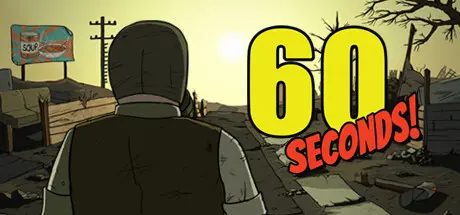
June 23, 20251 yr 60 Seconds! Game DetailsRelease Name: 60 Seconds!Game Version: Build 8294944Release Date: 25 May, 2015Publisher: Robot GentlemanDeveloper: Robot GentlemanBased On: CSF & Goldberg60 Seconds! Direct Download - Game OverviewAs Ted, a responsible citizen and a family man, you are faced with a slight disturbance to your happy, suburban lifestyle. THE NUCLEAR APOCALYPSE.With only 60 seconds left to impact, guide Ted in a mad, intense and action packed dash through his house in search of his family and useful supplies. Everything will be against you - time, your very own furniture, the house that's different every time you play and the fundamental question - what to take with you and who to leave behind?60 Seconds! Screenshots 60 Seconds! Trailer60 Seconds! System Requirements Minimum RequirementsRecommended Requirements OSWindows XP SP3 (32/64 bit) or later- ProcessorIntel Core™ 2 Duo 2.0+ GHz or an equivalent AMD CPU- Memory4 GB RAM- GraphicsnVidia GeForce 8800 GT or AMD Radeon HD2900 XT (with 512MB VRAM)- DirectXVersion 9.0c- Storage3 GB available space- How to Install 60 Seconds!No Installation Needed: The game is pre-installed. Just download and extract.Extract: Right-click the .zip or .rar file and select "Extract Here" or "Extract to folder".Run: Find Launcher.exe inside the folder and run it.Game Data & SettingsChange Language: Edit the file located at steam_settings/Configs.user.iniSave Data Location: %USERPROFILE%/AppData/LocalLow/Robot Gentleman\60 SecondsImportant NotesTo support the Game Developer, Get It On Steam.🔥DOWNLOAD AREA🔥🔹1 GB🔹Select the server you want to download with ZeiLink.Download





Create an account or sign in to comment