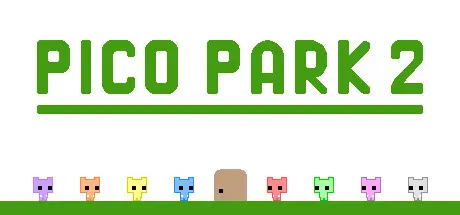
June 23, 20251 yr PICO PARK 2 Game DetailsRelease Name: PICO PARK 2Game Version: v1.1.5 | Build 18332878Release Date: 12 Sep, 2024Publisher: TECOPARKDeveloper: TECOPARK, Gemdrops, Inc.Based On: CSF & OFMEPICO PARK 2 Direct Download - Game OverviewPICO PARK 2 is a 2D action-puzzle game where working together is key! We're now back with more levels than in the last game!As with the previous iteration, this game can be played locally or online from two players all the way to eight. All levels can be played no matter how many players you have, so jump in with your friends and take 'em on!PICO PARK 2 Screenshots PICO PARK 2 TrailerPICO PARK 2 System Requirements Minimum RequirementsRecommended Requirements OSWindows 10, 64-bit / Windows 11, 64-bitWindows 10, 64-bit / Windows 11, 64-bit ProcessorIntel Core i3Intel Core i5 Memory4 GB RAM8 GB RAM Graphics-- DirectX-- Storage1 GB available space1 GB available space How to Install PICO PARK 2No Installation Needed: The game is pre-installed. Just download and extract.Extract: Right-click the .zip or .rar file and select "Extract Here" or "Extract to folder".Run: Sign in Steam Account and Find pico_park_2.exe inside the folder and run it.Game Data & SettingsSave Data Location: %USERPROFILE%/AppData/LocalLow/TECOPARK/PICO PARK 2/Steam/{64BitSteamID}Important NotesTo support the Game Developer, Get It On Steam.🔥DOWNLOAD AREA🔥🔹121 MB🔹Select the server you want to download with ZeiLink.Download





Create an account or sign in to comment