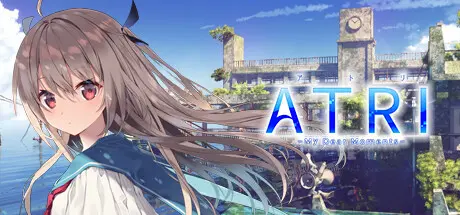
June 23, 20251 yr ATRI -My Dear Moments- Game DetailsRelease Name: ATRI -My Dear Moments-Game Version: v1.3 | Build 7599887Release Date: 18 Jun, 2020Publisher: ANIPLEX.EXEDeveloper: Frontwing, 枕Based On: CSF & GoldbergATRI -My Dear Moments- Direct Download - Game OverviewIn the near future, a sudden and unexplained sea rise has left much of human civilization underwater.ATRI -My Dear Moments- Screenshots ATRI -My Dear Moments- TrailerATRI -My Dear Moments- System Requirements Minimum RequirementsRecommended Requirements OSWindows 8.1/10 *Not compatible with Windows RT/MobileWindows 11 ProcessorIntel Core 2 Duo or aboveIntel Core 2 Duo or above Memory1 GB RAM2 GB RAM Graphics1280x720 ※VRAM:320MB1280x720 ※VRAM:512MB or more DirectXVersion 9.0cVersion 9.0c Storage4 GB available space5 GB available space How to Install ATRI -My Dear Moments-No Installation Needed: The game is pre-installed. Just download and extract.Extract: Right-click the .zip or .rar file and select "Extract Here" or "Extract to folder".Run: Find ATRI -My Dear Moments-.exe inside the folder and run it.Game Data & SettingsChange Language: Edit the file located at steam_settings/Configs.user.iniImportant NotesTo support the Game Developer, Get It On Steam.🔥DOWNLOAD AREA🔥🔹3.55 GB🔹Select the server you want to download with ZeiLink.Download





Create an account or sign in to comment