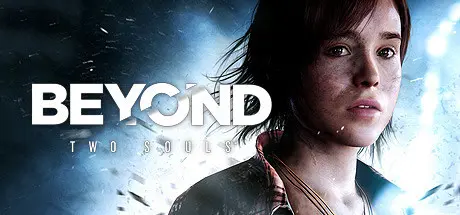
June 22, 20251 yr Beyond: Two Souls Game DetailsRelease Name: Beyond: Two SoulsGame Version: v1.0Release Date: 18 Jun, 2020Publisher: Quantic DreamDeveloper: Quantic DreamBased On: GOGBeyond: Two Souls Direct Download - Game OverviewTriple-A talent and storytelling brings you a video game experience like you’ve never had before.Beyond: Two Souls Screenshots Beyond: Two Souls TrailerBeyond: Two Souls System Requirements Minimum RequirementsRecommended Requirements OSWindows 7 or later (64 bit)Windows 7 or later (64 bit) ProcessorIntel Core i5-4430 @ 3.0 GHz or AMD FX-6300 @ 3.5 GHzIntel Core i5-6600K @ 3.5GHz or AMD Ryzen 3 1300X @ 3.4GHz Memory4 GB RAM8 GB RAM GraphicsNvidia GeForce GTX 660 with 2GB VRAM or AMD Radeon HD 7870 with 2GB VRAMNvidia GeForce GTX 970 with 4GB VRAM or AMD Radeon R9 390 with 4GB VRAM DirectXVersion 11Version 11 Storage49 GB available space49 GB available space How to Install Beyond: Two SoulsNo Installation Needed: The game is pre-installed. Just download and extract.Extract: Right-click the .zip or .rar file and select "Extract Here" or "Extract to folder".Run: Find BeyondTwoSouls.exe inside the folder and run it.Important NotesTo support the Game Developer, Get It On Steam.🔥DOWNLOAD AREA🔥🔹37.73 GB🔹Select the server you want to download with ZeiLink.Download





Create an account or sign in to comment