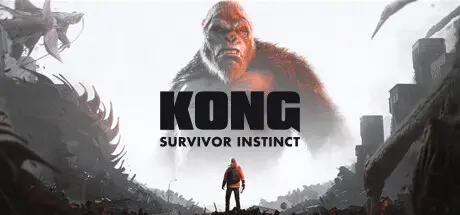
June 21, 20251 yr Kong: Survivor Instinct Game DetailsRelease Name: Kong: Survivor InstinctGame Version: v1.0.4 | Build 16577771Release Date: 22 Oct, 2024Publisher: 7Levels, 4DivinityDeveloper: 7LevelsBased On: CSF & GoldbergKong: Survivor Instinct Direct Download - Game Overview A sudden Titan attack prompts massive evacuation efforts-but not everyone makes it to safety before the devastation ensues. Caught in the crossfire between battling monsters, many residents become trapped in the collapsing city—your only daughter among them!Kong: Survivor Instinct is a 2.5D action-adventure game that combines realistic platforming, challenging combat, and metroidvania-style exploration during a thrilling quest of survival worthy of the Monsterverse franchise.Kong: Survivor Instinct Screenshots Kong: Survivor Instinct TrailerKong: Survivor Instinct System Requirements Minimum RequirementsRecommended Requirements OSWindows 8.1, Windows 10- ProcessorIntel Core i5-2400 / AMD Phenom II X6 1100T- Memory8 GB RAM- GraphicsNVIDIA GeForce GTX 950 2GB / AMD Radeon RX 460 2GB- DirectXVersion 11- Storage9 GB available space- How to Install Kong: Survivor InstinctNo Installation Needed: The game is pre-installed. Just download and extract.Extract: Right-click the .zip or .rar file and select "Extract Here" or "Extract to folder".Run: Find MonsterVerse.exe inside the folder and run it.Game Data & SettingsChange Language: Edit the file located at steam_settings/Configs.user.iniSave Data Location: %USERPROFILE%/AppData/LocalLow/7Levels/MonsterVerse/{64BitSteamID}Important NotesTo support the Game Developer, Get It On Steam.🔥DOWNLOAD AREA🔥🔹6.09 GB🔹Select the server you want to download with ZeiLink.Download
March 12Mar 12 Hi, all links are dead.EDIT: Sorry, Viking is working fine. Edited March 12Mar 12 by RonJeremy





Create an account or sign in to comment