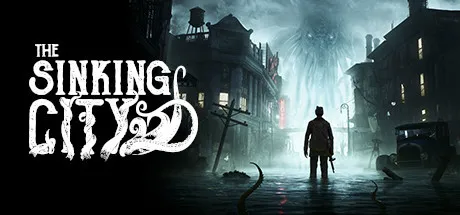
June 17, 20251 yr The Sinking City Game DetailsRELEASE NAME: The Sinking CityGAME VERSION: Build 7364628BASED ON: CSF & GoldbergThe Sinking City Direct Download - Game OverviewThe Sinking City is an action-adventure game developed by Frogwares and inspired by the works of horror fiction author H. P. Lovecraft. Set in the fictional city of Oakmont, Massachusetts during the 1920s, the story follows private investigator and war veteran Charles W. Reed as he searches for clues to the cause of the terrifying visions plaguing him, and becomes embroiled in the mystery of Oakmont's unrelenting flooding.The Sinking City ScreenshotsThe Sinking City TrailerThe Sinking City System RequirementsOSWindows 10ProcessorIntel Core i7-7700Memory16 GBGraphicsNvidia GeForce GTX 1070 TiDirectXVersion 12Storage50 GBHow to Install The Sinking CityNo Installation Needed: The game is pre-installed. Just download and extract.Extract: Right-click the .zip or .rar file and select "Extract Here" or "Extract to folder".Run: Find TSCGame.exe inside the folder and run it.Game Data & SettingsChange Language: Edit the file located at steam_settings/Configs.user.iniSave Data Location: %USERPROFILE%/AppData/Local/TSCGame\Saved\SaveGames🔥DOWNLOAD AREA🔥🔹17.22 GB🔹Select the server you want to download with ZeiLink.Download





Create an account or sign in to comment