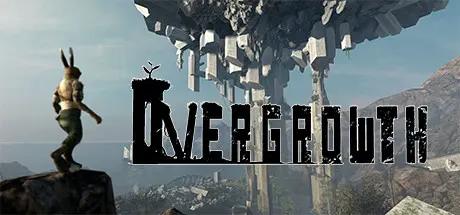
June 12, 20251 yr Overgrowth Game DetailsRelease Name: OvergrowthGame Version: v1.4 | Build 3450449Release Date: 16 Oct, 2017Publisher: Wolfire GamesDeveloper: Wolfire GamesBased On: CSF & GoldbergOvergrowth Direct Download - Game Overview As a lightning-fast acrobatic ninja rabbit, you can choose how to approach each encounter. Do you want to pick off enemies one at a time like the killer in a slasher film? Dive into the thick of it and fight whole groups in a frontal assault? Steal the most powerful weapon you can find, and turn it on the rest?If you die, there is never any load time; you can try again instantly! As your skills improve, you'll see that the game is not about winning. It's about experimenting to make the coolest action scenes that you can. Every design decision is made with that in mind, from the mouselook camera to the context-sensitive combat controls.After completing the story modes, you can try out all the mods that players have created with the integrated editor! If you want to play as a human character in a city, or try a whole new campaign, or even fly around as a bat, there's probably already a mod that makes that happen.Overgrowth Screenshots Overgrowth TrailerOvergrowth System Requirements Minimum RequirementsRecommended Requirements OSWindows 7 or later (64-bit)- ProcessorPassmark CPU 1000 or better- Memory4 GB RAM- GraphicsPassmark GPU 500 or better with OpenGL 3.2 support- DirectX-- Storage35 GB available space- How to Install OvergrowthNo Installation Needed: The game is pre-installed. Just download and extract.Extract: Right-click the .zip or .rar file and select "Extract Here" or "Extract to folder".Run: Find Overgrowth.exe inside the folder and run it.Game Data & SettingsChange Language: Edit the file located at steam_settings/Configs.user.iniImportant NotesTo support the Game Developer, Get It On Steam.🔥DOWNLOAD AREA🔥🔹7.34 GB🔹Select the server you want to download with ZeiLink.Download





Create an account or sign in to comment