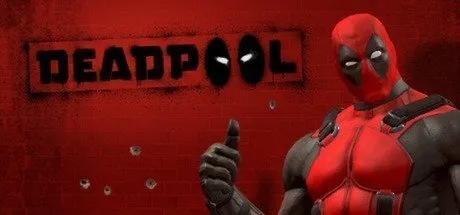
June 11, 20251 yr Deadpool Game DetailsRELEASE NAME: DeadpoolGAME VERSION: v1.0 | Build 68432GENRE: ActionBASED ON: CSF & FLT + LumaEmuDeadpool Direct Download - Game OverviewDeadpool is an action hack and slash, third-person shooter video game. Gameplay mostly consists of fighting enemies using both melee weapons and guns, with new combos becoming available to Deadpool as he progresses through the story and obtains upgrade points.Deadpool ScreenshotsDeadpool TrailerDeadpool System RequirementsOSWindows 10ProcessorIntel Core 2 Duo E8200 @ 2.66 GHz or AMD Phenom X3 8750Memory2 GBGraphicsGeForce 8800 GT series with 512 MB RAM or ATI Radeon HD4850DirectXVersion 9Storage7 GBHow to Install DeadpoolNo Installation Needed: The game is pre-installed. Just download and extract.Extract: Right-click the .zip or .rar file and select "Extract Here" or "Extract to folder".Run: Find Binaries/DP.exe inside the folder and run it.🔥DOWNLOAD AREA🔥🔹5.68 GB🔹Select the server you want to download with ZeiLink.Download
May 2May 2 Having issues with the game closing a few seconds after opening, assumingly failing a sanity check.No crash written.
May 2May 2 Author 1 hour ago, MistakingManx said:Having issues with the game closing a few seconds after opening, assumingly failing a sanity check.No crash written.I update the files a new emu, can you try again?





Create an account or sign in to comment