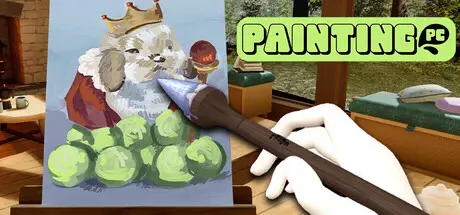
Saturday at 07:54 AM2 days Painting PC Game DetailsRelease Name: Painting PCGame Version: Build 25125408Release Date: 26 Jun, 2026Publisher: Oisoi StudioDeveloper: OisoiBased On: CSF & GoldbergPainting PC Direct Download - Game OverviewStart in a studio with one brush and absolutely no followers. Complete commissions, gain followers, unlock new tools, and work your way to becoming the next big thing on the Paintigraph app.Turns out that art is subjective. One client thinks you’re Michelangelo, the next is completely confused. Just make it work, get ratings, and get paid.As your followers grow, you'll unlock and expand the premium toolkit to paint even cooler masterpieces.Take that sweet commission cash and spend it on cool furniture and decorations. Turn that minimalistic cabin into a studio that’s completely your vibe.Painting PC Screenshots Painting PC TrailerPainting PC System RequirementsMinimum RequirementsRecommended RequirementsOSWindows 10 (64-bit)Windows 10 / 11 (64-bit)ProcessorIntel Core i3-2100 or equivalentIntel Core i5 or equivalentMemory4 GB RAM8 GB RAMGraphicsIntel HD 4000 or betterAny dedicated GPU or modern integrated graphicsDirectXVersion 11Version 11Storage2 GB available space2 GB available spaceHow to Install Painting PCNo Installation Needed: The game is pre-installed. Just download and extract.Extract: Right-click the .zip or .rar file and select "Extract Here" or "Extract to folder".Run: Find PaintingPC.exe inside the folder and run it.Game Data & SettingsChange Language: Edit the file located at steam_settings/Configs.user.iniImportant NotesTo support the Game Developer, Get It On Steam.🔥DOWNLOAD AREA🔥🔹735 MB🔹Select the server you want to download with ZeiLink.Download





Create an account or sign in to comment