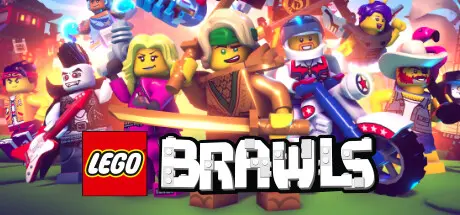
August 17Aug 17 LEGO Brawls Game DetailsRelease Name: LEGO BrawlsGame Version: Build 20564155Release Date: 2 Sep, 2022Publisher: LEGO® GamesDeveloper: Red Games Co.Based On: CSF & GoldbergLEGO Brawls Direct Download - Game OverviewLEGO Brawls is an easy-pick-up, "everybody-friendly" platform brawler. Whether you're looking for a quick play casual battle, an unlockables grind, a competitive rank climb to the top of the global leaderboards, or even just creative brawler building, LEGO Brawls has something for you!Design your ultimate LEGO Minifigure hero with unique style, strategy and personality. With over 77 TRILLION combination possibilities, almost anything is possible. A cactus with an attitude? A scrappy janitor ninja who happens to have fighting chickens? A sledgehammer-swinging clown with a few scores to settle? Sure!From the swashbuckling shores of Barracuda Bay, to the waterlogged caverns of Ninjago Seabound, to a dusty wild west saloon and the mythical Monkie Kid jungle, all of your favorite LEGO themes are brawlable! Collect unlockable minifigures, power-ups, and emotes along the way. LEGO Brawls Screenshots LEGO Brawls TrailerLEGO Brawls System RequirementsMinimum RequirementsRecommended RequirementsOSWindows 10-ProcessorIntel Core i5-4430 / AMD FX-6300-Memory4 GB RAM-GraphicsNVIDIA GeForce GTX 960 2GB / AMD Radeon R7 370 2GB-DirectXVersion 11-Storage5 GB available space-How to Install LEGO BrawlsNo Installation Needed: The game is pre-installed. Just download and extract.Extract: Right-click the .zip or .rar file and select "Extract Here" or "Extract to folder".Run: Find Brawls.exe inside the folder and run it.Game Data & SettingsChange Language: Edit the file located at steam_settings/Configs.user.iniImportant NotesTo support the Game Developer, Get It On Steam.🔥DOWNLOAD AREA🔥🔹2.48 GB🔹Select the server you want to download with ZeiLink.Download





Create an account or sign in to comment