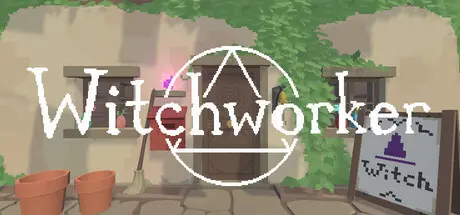
August 2Aug 2 Witchworker Game DetailsRelease Name: WitchworkerGame Version: Build 23883294Release Date: 23 Jun, 2026Publisher: RAJACORPDeveloper: RAJACORPBased On: CSF & GoldbergWitchworker Direct Download - Game OverviewIn Witchworker you play as a cleaner who has been hired to tidy a Witch's atelier. You will soon find that your employer is conspicuously absent so it is up to you how to tidy and decorate the atelier. While tidying you'll come across a variety of textbooks covering magical history, magical theory and practical magic. You have little else to do so you may as well start studying.Perhaps if you study the books long enough you might be able to piece together a magical spell. Use your knowledge from the books to cast magical spells.The atelier holds many secrets. Perhaps the magical spells you learn will help you uncover and explore the ateliers many mysteries.Witchworker Screenshots Witchworker TrailerWitchworker System Requirements Minimum RequirementsRecommended Requirements OSWindows 10 or later- Processor-- Memory4 GB RAM- Graphics1GB- DirectX-- Storage200 MB available space- How to Install WitchworkerNo Installation Needed: The game is pre-installed. Just download and extract.Extract: Right-click the .zip or .rar file and select "Extract Here" or "Extract to folder".Run: Find Witchworker.exe inside the folder and run it.Game Data & SettingsChange Language: Edit the file located at steam_settings/Configs.user.iniImportant NotesTo support the Game Developer, Get It On Steam.🔥DOWNLOAD AREA🔥🔹40 MB🔹Select the server you want to download with ZeiLink.Download





Create an account or sign in to comment