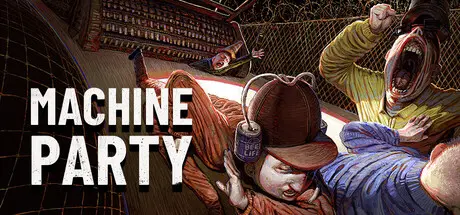
July 30Jul 30 Machine Party Game DetailsRelease Name: Machine PartyGame Version: v2.1.2 | Build 24734326Release Date: 30 Jul, 2026Publisher: Oro InteractiveDeveloper: Mike Klubnika, GDeavidBased On: CSF & GoldbergMachine Party Direct Download - Game OverviewWelcome to Machine Party. In this series of dangerous, and some would say highly illegal, party games you will have to use every trick in the book to survive. Play through classic party game formats and new twists on the genre for sessions of fun, screaming, and horror. A collection of uniquely violent party games Support for 2 - 4 players An industrial soundtrack by Alex PeipmanCustomize your test subjectMultiple devious ways of screwing your friends overMachine Party Screenshots Machine Party TrailerMachine Party System RequirementsMinimum RequirementsRecommended RequirementsOSWindows 11-ProcessorDual Core 2.4 GHz-Memory8 GB RAM-GraphicsRadeon RX 6500 XT / Nvidia 1660-DirectX--Storage1 GB available space-How to Install Machine PartyNo Installation Needed: The game is pre-installed. Just download and extract.Extract: Right-click the .zip or .rar file and select "Extract Here" or "Extract to folder".Run: Find Launcher.exe inside the folder and run it.Multiplayer & Online (Optional)Play Online: Download the Online Fix file and apply it to the game folder.Please go to the online fix page and read the guide.Game Data & SettingsChange Language: Edit the file located at steam_settings/Configs.user.iniImportant NotesTo support the Game Developer, Get It On Steam.🔥DOWNLOAD AREA🔥🔹495 MB🔹Select the server you want to download with ZeiLink.DownloadOnline Fix - (RAR pass: zeigames.com)
August 9Aug 9 2 hours ago, muhammadshaiq said:can i play with my friends?add me on discord body_eg iam egyptain





Create an account or sign in to comment