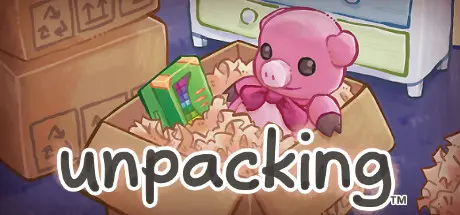
July 23Jul 23 Unpacking Game DetailsRelease Name: UnpackingGame Version: v251004 | Build 20252641Release Date: 1 Nov, 2021Publisher: Balor GamesDeveloper: Witch BeamBased On: CSF & GoldbergUnpacking Direct Download - Game OverviewUnpacking is a zen game about the familiar experience of pulling possessions out of boxes and fitting them into a new home. Part block-fitting puzzle, part home decoration, you are invited to create a satisfying living space while learning clues about the life you’re unpacking. Over the course of eight house moves, you are given a chance to experience a sense of intimacy with a character you never see and a story you’re never told.Unpack a home — from a single bedroom to an entire houseMeditative gameplay with no timers, meters or scoresExplore domestic environments with all their nooks and crannies while you stack plates, hang towels, and arrange bookshelvesDiscover a character's story through the items that come with her to each new home (and the items that get left behind)Soundtrack by BAFTA award-winning composer and audio director Jeff van DyckUnpacking Screenshots Unpacking TrailerUnpacking System RequirementsMinimum RequirementsRecommended RequirementsOSWindows 7 SP1+-ProcessorSSE2 instruction set support-Memory--GraphicsGraphics card with DX10 (shader model 4.0) capabilities.-DirectX--Storage1 GB available space-How to Install UnpackingNo Installation Needed: The game is pre-installed. Just download and extract.Extract: Right-click the .zip or .rar file and select "Extract Here" or "Extract to folder".Run: Find Unpacking.exe inside the folder and run it.Game Data & SettingsChange Language: Edit the file located at steam_settings/Configs.user.iniImportant NotesTo support the Game Developer, Get It On Steam.🔥DOWNLOAD AREA🔥🔹326 MB🔹Select the server you want to download with ZeiLink.Download





Create an account or sign in to comment