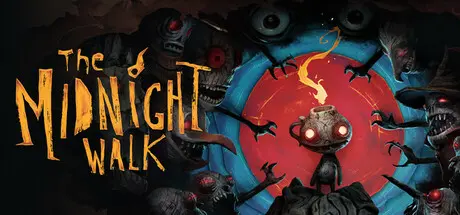
July 23Jul 23 The Midnight Walk Game DetailsRelease Name: The Midnight WalkGame Version: Build 18854438Release Date: 8 May, 2025Publisher: Fast Travel GamesDeveloper: MoonHoodBased On: CSF & GoldbergThe Midnight Walk Direct Download - Game OverviewEmbark upon The Midnight Walk in this reverent dark fantasy adventure built in clay, from the minds behind Lost in Random and Fe.Become The Burnt One, befriend a lost lantern creature named Potboy, and use his flame to light your way through a conflicting world of wonder and suspense. Survive and outsmart the many monsters eager to devour your little friend’s flame as you experience five tales of fire and darkness, featuring an incredible cast of odd characters.The Midnight Walk Screenshots The Midnight Walk TrailerThe Midnight Walk System Requirements Minimum RequirementsRecommended Requirements OSWindows 10- ProcessorIntel i7 6700k- Memory16 GB RAM- GraphicsNVIDIA GeForce GTX 1070- DirectX-- Storage18 GB available space- How to Install The Midnight WalkNo Installation Needed: The game is pre-installed. Just download and extract.Extract: Right-click the .zip or .rar file and select "Extract Here" or "Extract to folder".Run: Find TheMidnightWalk.exe inside the folder and run it.Game Data & SettingsChange Language: Edit the file located at steam_settings/Configs.user.iniSave Data Location: %USERPROFILE%/AppData/Local/TheMidnightWalk/Saved/SaveGamesImportant NotesTo support the Game Developer, Get It On Steam.🔥DOWNLOAD AREA🔥🔹16.93 GB🔹Select the server you want to download with ZeiLink.Download





Create an account or sign in to comment