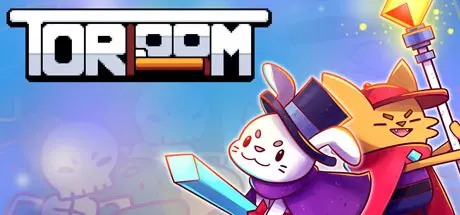
July 23Jul 23 Toroom Game DetailsRelease Name: ToroomGame Version: Build 9656230Release Date: 17 Jul, 2021Publisher: GagonfeDeveloper: Gagonfe, Ulon, RhowslBased On: CSF & GoldbergToroom Direct Download - Game OverviewToroom is a dungeon crawler roguelike-like top-down shooter, where the protagonist just wants to come back to his bedroom after waking up in a world of fantasy. Fight your way through multiple biomes, clear rooms full of enemies, get as much loot as possible and defeat the bosses in your way.Fight multiple enemies in a procedurally generated world, where every time you play, it's a different world, different loot, and different enemies to fight.Get loot, loot, and MORE LOOT! Find rewards, coins, and items that will improve your character for you to get ready for the challenges ahead.Buy items, weapons, and even pets with many shops during your run! There are more than 70 different regular, cursed, and ultra-rare items as well as more than 35 weapons uniquely made for every biome.Have awesome and challenging fights against hard bosses to defeat them and get to the next biome.Toroom Screenshots Toroom TrailerToroom System Requirements Minimum RequirementsRecommended Requirements OSWindows 7- ProcessorIntel Celeron @2.80Ghz- Memory4 GB RAM- GraphicsIntegrated GPU, 128mb- DirectX-- Storage200 MB available space- How to Install ToroomNo Installation Needed: The game is pre-installed. Just download and extract.Extract: Right-click the .zip or .rar file and select "Extract Here" or "Extract to folder".Run: Find Toroom.exe inside the folder and run it.Game Data & SettingsChange Language: Edit the file located at steam_settings/Configs.user.iniImportant NotesTo support the Game Developer, Get It On Steam.🔥DOWNLOAD AREA🔥🔹32 MB🔹Select the server you want to download with ZeiLink.Download





Create an account or sign in to comment