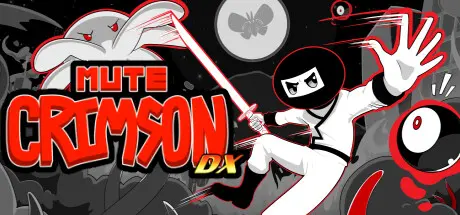
July 23Jul 23 Mute Crimson DX Game DetailsRelease Name: Mute Crimson DXGame Version: v1.0.0.1 | Build 15482489Release Date: 16 Aug, 2024Publisher: Iced Lizard GamesDeveloper: Iced Lizard GamesBased On: CSFMute Crimson DX Direct Download - Game OverviewMonsters have attacked the city, and only Ninja can stop them! Grab your sword and double jump, wall-climb and otherwise precision platform your way from your home, all the way to the dark depths where the source of this evil resides...Mute Crimson DX Screenshots Mute Crimson DX TrailerMute Crimson DX System Requirements Minimum RequirementsRecommended Requirements OSWindows 10 (64-bit)- ProcessorIntel Core i5-4000 Series- Memory4 GB RAM- GraphicsNVIDIA GeForce GTX 960- DirectXVersion 11- Storage1 GB available space- How to Install Mute Crimson DXNo Installation Needed: The game is pre-installed. Just download and extract.Extract: Right-click the .zip or .rar file and select "Extract Here" or "Extract to folder".Run: Find MuteCrimsonDX.exe inside the folder and run it.Game Data & SettingsSave Data Location: %USERPROFILE%/My Documents/SavedGames/MuteCrimsonDX/SaveData/AllPlayersImportant NotesTo support the Game Developer, Get It On Steam.🔥DOWNLOAD AREA🔥🔹242 MB🔹Select the server you want to download with ZeiLink.Download





Create an account or sign in to comment