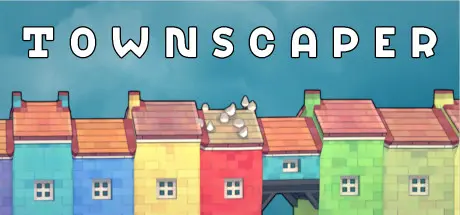
July 18Jul 18 Townscaper Game DetailsRelease Name: TownscaperGame Version: v1.20 | Build 11641139Release Date: 26 Aug, 2021Publisher: Raw FuryDeveloper: Oskar StålbergBased On: CSFTownscaper Direct Download - Game Overview No goal. No real gameplay. Just plenty of building and plenty of beauty. That's it.Townscaper is an experimental passion project. More of a toy than a game. Pick colors from the palette, plop down colored blocks of houses on the irregular grid, and watch Townscaper's underlying algorithm automatically turn those blocks into cute little houses, arches, stairways, bridges, and lush backyards, depending on their configuration.Townscaper Screenshots Townscaper TrailerTownscaper System Requirements Minimum RequirementsRecommended Requirements OSWindows 7+- Processor-- Memory4 GB RAM- Graphics-- DirectXVersion 11- Storage1 GB available space- How to Install TownscaperNo Installation Needed: The game is pre-installed. Just download and extract.Extract: Right-click the .zip or .rar file and select "Extract Here" or "Extract to folder".Run: Find Townscaper.exe inside the folder and run it.Game Data & SettingsSave Data Location: %USERPROFILE%/AppData/LocalLow/Oskar Stalberg/Townscaper/Saves/Important NotesTo support the Game Developer, Get It On Steam.🔥DOWNLOAD AREA🔥🔹104 MB🔹Select the server you want to download with ZeiLink.Download





Create an account or sign in to comment