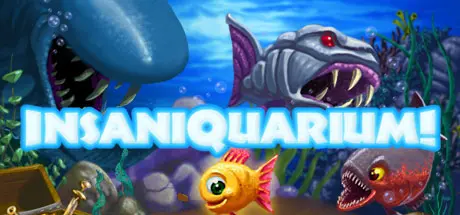
July 12Jul 12 Insaniquarium Deluxe Game DetailsRelease Name: Insaniquarium DeluxeGame Version: Build 250752Release Date: 30 Aug, 2006Publisher: PopCap Games, Inc., Electronic ArtsDeveloper: PopCap Games, Inc.Based On: CSF & RevEmuInsaniquarium Deluxe Direct Download - Game Overview Insaniquarium Deluxe is the craziest aquarium game ever - tend to your fish and keep them happy and they'll reward you with precious coins and jewels. Use the money you earn to buy upgrades for your tank or egg parts which hatch lots of different in-tank pets with special powers. These pets can help you feed your fish, collect coins, or even protect against the aliens that will invade your tank and wreak havoc.Insaniquarium Deluxe Screenshots Insaniquarium Deluxe TrailerInsaniquarium Deluxe System Requirements Minimum RequirementsRecommended Requirements OS-- Processor-- Memory-- Graphics-- DirectX-- Storage-- How to Install Insaniquarium DeluxeNo Installation Needed: The game is pre-installed. Just download and extract.Extract: Right-click the .zip or .rar file and select "Extract Here" or "Extract to folder".Run: Find revLoader.exe inside the folder and run it.Game Data & SettingsChange Language: Move the language files on LANGUAGES folder to main game folder.Important NotesTo support the Game Developer, Get It On Steam.🔥DOWNLOAD AREA🔥🔹61 MB🔹Select the server you want to download with ZeiLink.ALL Languages Included.Download





Create an account or sign in to comment