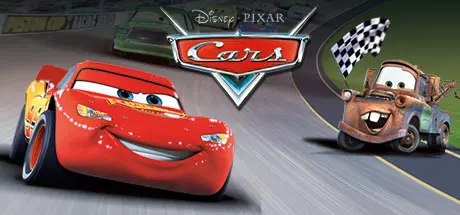
July 1Jul 1 Disney•Pixar Cars Game DetailsRelease Name: Disney•Pixar CarsGame Version: Build 454676Release Date: 24 Feb, 2015Publisher: THQ, DisneyDeveloper: BeenoxBased On: CSF & SteamlessDisney•Pixar Cars Direct Download - Game Overview In this video game adaptation of Disney•Pixar's Cars, you begin as Lightning McQueen, a rookie racecar looking to win fame and fortune at the Piston Cup Championship. A racing adventure game with ten playable characters from the film, Cars offers more than 30 races and mini-games through open environments. The game includes voice talent from the movie, so listen for moral lessons from Larry the Cable Guy and comic relief from Cheech Marin.Disney•Pixar Cars Screenshots Disney•Pixar Cars System Requirements Minimum RequirementsRecommended Requirements OSWindows Me / 2000 / XP / Vista- ProcessorPentium III 800MHz or higher- Memory256 MB RAM- GraphicsAny 3D 32MB DirectX 9 compatible graphics card (nVidia GeForce 2 or ATI Radeon 7500 or higher)- DirectX-- Storage500 MB available space- How to Install Disney•Pixar CarsNo Installation Needed: The game is pre-installed. Just download and extract.Extract: Right-click the .zip or .rar file and select "Extract Here" or "Extract to folder".Run: Find Cars.exe inside the folder and run it.Game Data & SettingsChange Language: Edit the file located at steam_settings/Configs.user.iniSave Data Location: %USERPROFILE%/My Documents/THQ\Cars\SaveImportant NotesTo support the Game Developer, Get It On Steam.🔥DOWNLOAD AREA🔥🔹660 MB🔹Select the server you want to download with ZeiLink.Download





Create an account or sign in to comment