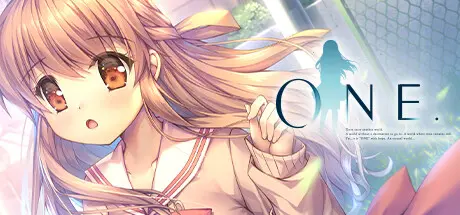
June 28Jun 28 ONE. Game DetailsRelease Name: ONE.Game Version: v1.0.0Release Date: 21 Dec, 2023Publisher: ShiravuneDeveloper: novamicusBased On: GOGONE. Direct Download - Game OverviewThe legendary visual novel that inspired a generation is back—and better than ever!What tied me to this world...1998, winter.I was just a regular student until another world was born in me.Like softly falling snow, it blanketed and began to bury my everyday life.It was only then that I realized...That there were certain things in my life that never changed.The same familiar scenery.The warmth of the one I loved, who filled me with a joy I never noticed.Their existence tied me to this world.It was when I first started to want these bonds, to want that special someone, that time began to pass, and sunlight caused the season to really shine. When it did, which world was I standing in, and who was holding my hand?ONE. Screenshots ONE. System Requirements Minimum RequirementsRecommended Requirements OSWindows 10 / 11- ProcessorIntel Core2Duo 2.4GHz- Memory4 GB RAM- Graphics-- DirectXVersion 11- Storage-- How to Install ONE.No Installation Needed: The game is pre-installed. Just download and extract.Extract: Right-click the .zip or .rar file and select "Extract Here" or "Extract to folder".Run: Find ONE.exe inside the folder and run it.Important NotesTo support the Game Developer, Get It On Steam.🔥DOWNLOAD AREA🔥🔹5.72 GB🔹Select the server you want to download with ZeiLink.Download





Create an account or sign in to comment