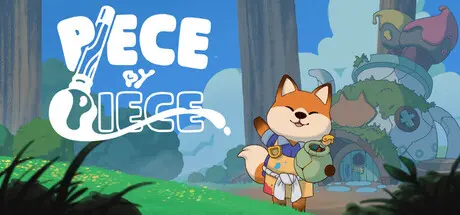
June 27Jun 27 Piece by Piece Game DetailsRelease Name: Piece by PieceGame Version: Build 23153799Release Date: 11 Mar, 2026Publisher: No More RobotsDeveloper: GamkatBased On: CSF & GoldbergPiece by Piece Direct Download - Game OverviewTake on your Grandpa's old shop and fix up your customer's treasured belongings. From bells to binoculars and toys to teapots, each forest friend will have something new for you to repair! Piece together antiques, heirlooms, and favourite mugs for your customers, each with its own puzzle!Grow berries in your back garden to mix up into colourful paints, and paint up a stormCustomize your creations with a splash of colour, then sell them for a profitKeep your shop in check by cleaning up the floor, keeping the fire lit and the cookie jar fullMake your shop your own by picking out furniture, rugs and more!Customize your shop with different colours and materials, grow plants and mix paint, spruce up the items that pass through the store, bake cookies for your neighbours, and listen to the latest gossip - are you ready to roll up your sleeves and open up shop?Piece by Piece Screenshots Piece by Piece TrailerPiece by Piece System Requirements Minimum RequirementsRecommended Requirements OSWindows 10- Processori5 or equivalent- Memory-- GraphicsNVidia 1060- DirectX-- Storage-- How to Install Piece by PieceNo Installation Needed: The game is pre-installed. Just download and extract.Extract: Right-click the .zip or .rar file and select "Extract Here" or "Extract to folder".Run: Find Piece by Piece.exe inside the folder and run it.Game Data & SettingsChange Language: Edit the file located at steam_settings/Configs.user.iniSave Data Location: %USERPROFILE%/AppData/LocalLow/\Gamkat\Piece by Piece\SavesImportant NotesTo support the Game Developer, Get It On Steam.🔥DOWNLOAD AREA🔥🔹633 MB🔹Select the server you want to download with ZeiLink.Download





Create an account or sign in to comment