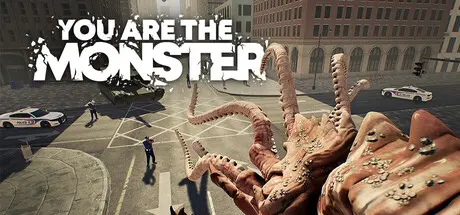
June 18Jun 18 YOU ARE THE MONSTER Game DetailsRelease Name: YOU ARE THE MONSTERGame Version: Build 23800573Release Date: 18 Jun, 2026Publisher: Joshua HughesDeveloper: Joshua HughesBased On: CSF & GoldbergYOU ARE THE MONSTER Direct Download - Game OverviewDestroy everyone and everything in your path as you grow in size and power. Level up and enhance your abilities in each playthrough to face off against police units, SWAT teams, tanks, jets and more.Unlock new monsters, new modes and new cosmetics as you progress. YOU ARE THE MONSTER Screenshots YOU ARE THE MONSTER TrailerYOU ARE THE MONSTER System Requirements Minimum RequirementsRecommended Requirements OS1010/11 ProcessorIntel Core i5-8400 or AMD Ryzen 3 3300xIntel Core I7-8700K or AMD Ryzen 5 3600X Memory12 GB RAM16 GB RAM GraphicsNvidia Geforce GTX 1060 3 GB or AMD Radeon RX 580 4 GBNvidia Geforce GTX 1070 8 GB or AMD Radeon RX Vega 56 8 GB DirectX-- Storage4 GB available space4 GB available space How to Install YOU ARE THE MONSTERNo Installation Needed: The game is pre-installed. Just download and extract.Extract: Right-click the .zip or .rar file and select "Extract Here" or "Extract to folder".Run: Find YOU ARE THE MONSTER.exe inside the folder and run it.Game Data & SettingsChange Language: Edit the file located at steam_settings/Configs.user.iniImportant NotesTo support the Game Developer, Get It On Steam.🔥DOWNLOAD AREA🔥🔹1.52 GB🔹Select the server you want to download with ZeiLink.Download





Create an account or sign in to comment