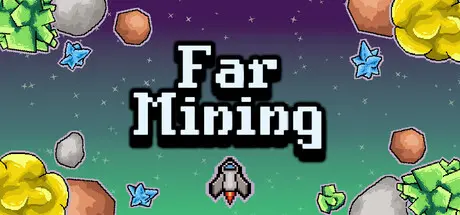
June 11Jun 11 Far Mining Game DetailsRelease Name: Far MiningGame Version: Build 23486684Release Date: 4 Jun, 2026Publisher: LostVolBytesDeveloper: LostVolBytesBased On: CSF & GoldbergFar Mining Direct Download - Game OverviewFar Mining is a short and relaxing incremental game about mining asteroids. Mine resources, upgrade your ship, unlock new tools, and find your way out of deep space.The core mechanics of asteroid mining are simple and easy to learn. Your ship will automatically fire at nearby asteroids, and you just need to stay close to them.Explore and upgrade the technology tree to increase your ship's power. Unlock new tools, upgrade existing ones, and don't leave those asteroids a chance.Relaxing, repetitive gameplayLarge upgrade treeA short and enjoyable experience (~2.5–3 hours of playtime)Far Mining Screenshots Far Mining System Requirements Minimum RequirementsRecommended Requirements OSWindows 10- Processor2 Ghz- Memory2 GB RAM- Graphics1 GB VRAM- DirectX-- Storage256 MB available space- How to Install Far MiningNo Installation Needed: The game is pre-installed. Just download and extract.Extract: Right-click the .zip or .rar file and select "Extract Here" or "Extract to folder".Run: Find Far Mining.exe inside the folder and run it.Game Data & SettingsChange Language: Edit the file located at steam_settings/Configs.user.iniSave Data Location: %USERPROFILE%/AppData/LocalLow/\LostVolBytes\Far MiningImportant NotesTo support the Game Developer, Get It On Steam.🔥DOWNLOAD AREA🔥🔹52 MB🔹Select the server you want to download with ZeiLink.Download





Create an account or sign in to comment